Get Started with Smart Home Automation
Complete installation guide for EffortlessHome smart home automation system. Learn how to set up Home Assistant integration, configure security, and create intelligent automations step-by-step.
Complete installation guide for EffortlessHome smart home automation system. Learn how to set up Home Assistant integration, configure security, and create intelligent automations step-by-step.
What you need before getting started with EffortlessHome.
Version 2024.1 or later required for full compatibility with EffortlessHome features.
Active internet connection needed for cloud features, remote access, and Matter integration.
Create an account at My EffortlessHome to access cloud features and unified app experience.
Follow these steps to get EffortlessHome up and running.
Add the repository to HACS, search for "EffortlessHome", and download. Restart Home Assistant.
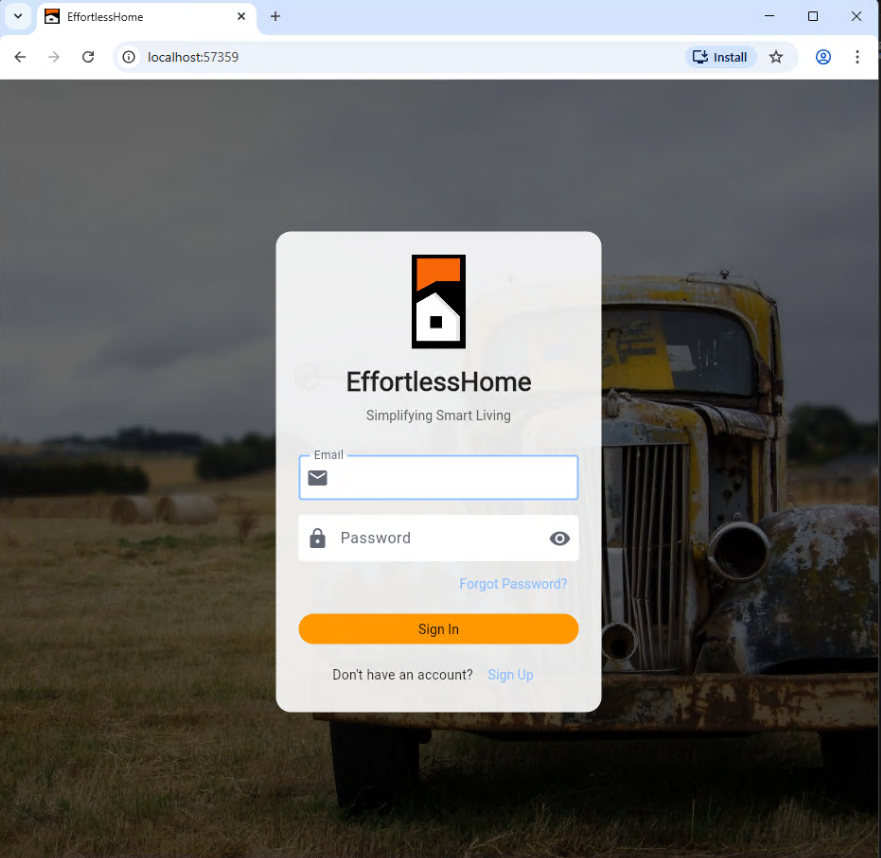
Go to Settings → Devices & Services, add EffortlessHome integration, and sign in with your account.
Add the EffortlessHome repository to the Add-on Store and install EffortlessHome Cloud.
Enter your EffortlessHome credentials in the Configuration tab and start the add-on.
Update your configuration.yaml and restart Home Assistant for full functionality.
Download EffortlessHome apps for all your devices.
We're here to help you every step of the way.